

CC Finds
10 Sims 4 CC Finds for Your Dream Dorm Room
Welcome to another Sims 4 CC Finds here at TSR! Today, we are taking a look at Sims 4 CC perfect for a ...
Feature
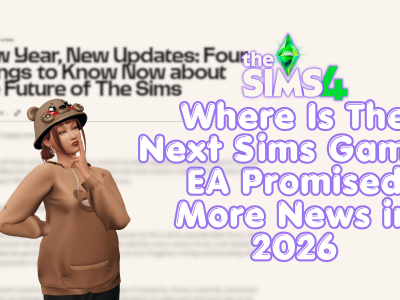
Where Is The Next Sims Game? EA Promised More News in 2026
Seven months ago, EA made a surprisingly big promise about the next Sims game. In January 2026, The Sims team confirmed that it ...
Announcements
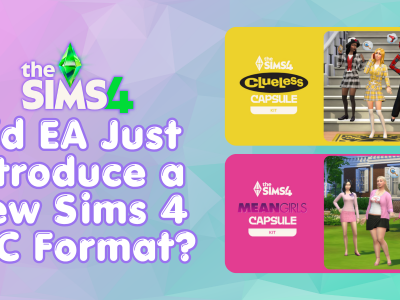
Did EA Just Introduce a New Sims 4 DLC Format?
EA may have quietly introduced a new type of Sims 4 Kit. On August 18, EA announced two new collaborations based on Mean ...
Announcements
How to Restore Sims 4 Saves and Backup Files
In the latest guide, we taught players how to back up their saves and mods in preparation for game updates. However, we didn’t ...

Announcements
Plumrobert Wants You in The Sims Discord – Here’s What You’re Missing
If you’ve somehow managed to avoid The Sims Discord, Plumrobert has apparently decided that it’s time to fix that. In a post published ...
Feature
The Sims 4 Update Is Tomorrow: Back Up Your Mods and Saves Now
Sul Sul, Simmers! The next Sims 4 update is scheduled for tomorrow. What does this mean for mods? It’s expected to disrupt mods’ ...

Feature
EA Is Now Bundling Moola With Sims 4 DLC – And That Could Be a Big Deal
EA has found a new way to introduce more players to Sims 4 Moola. Players who buy The Sims 4 Music Den Kit ...
Announcements
The Sims Buyout Backlash Has Flared Up Again Now EA’s $55 Billion Deal Is Complete
The EA Sims buyout backlash has returned to the spotlight. On August 4, 2026, Electronic Arts confirmed that its $55 billion acquisition had ...

CC Finds
TSR Weekly CC Drops: New Sims 4 CC for the Week of August 16th
Alright, now that the week of August 16th has flown by, let’s check out the new CC that dropped this past week! There ...
Humor
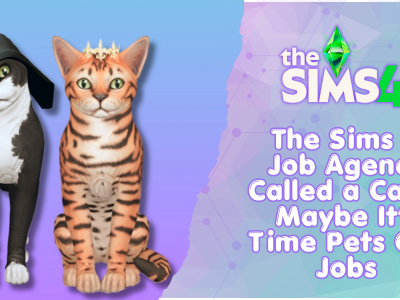
The Sims 4 Job Agency Called a Cat… Maybe It’s Time Pets Got Jobs
In The Sims 4, it doesn’t matter what species you are; you still need a job! No lounging around the house for you, ...
