
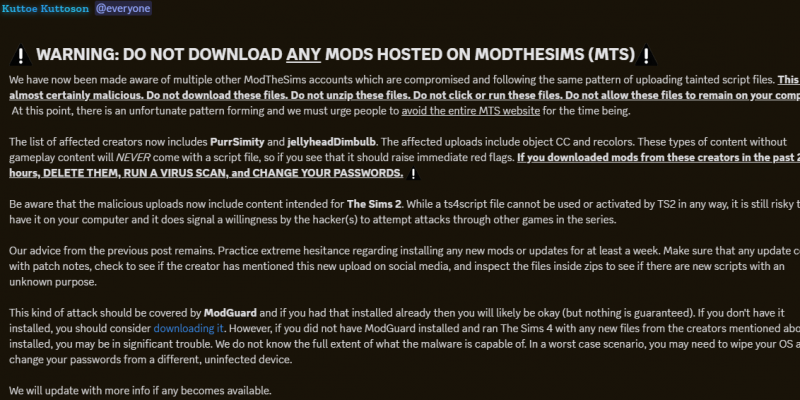
Malicious ts4script Files Uploaded to Mod the Sims (March 1–2, 2026)
Beginning the morning of March 1, 2026, attackers compromised multiple Mod the Sims accounts. They uploaded malicious .ts4script files to several mods — including custom content that should not have contained script files at all.
-
March 1 (morning)
-
March 1 (afternoon)
-
March 2
All compromised files have now been removed. However, if you downloaded any .ts4script files from Mod the Sims starting March 1, you should act immediately.
These files were confirmed to contain clearly malicious content.
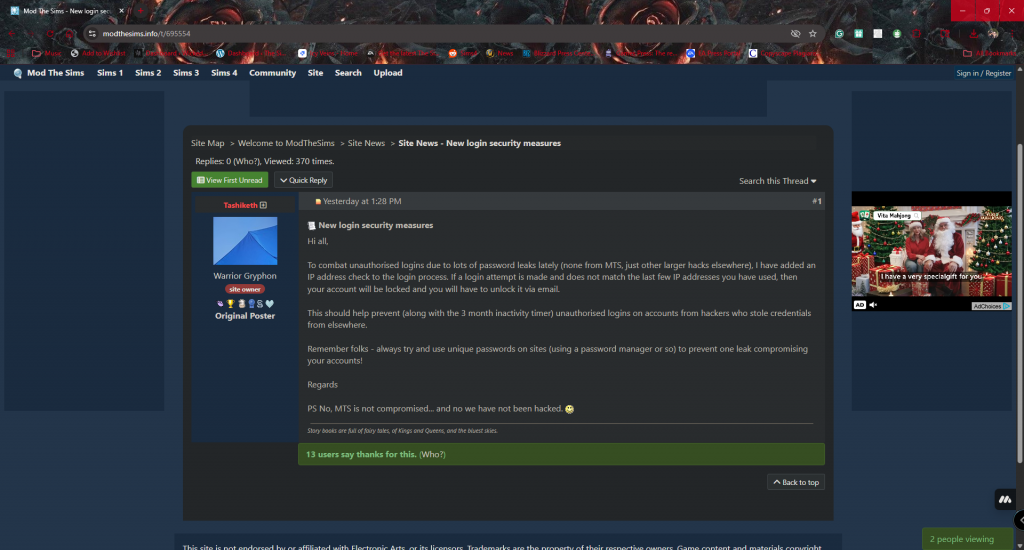
Official Mod the Sims announcement detailing new login security measures added March 2026 to prevent unauthorized account access.
Immediate Action Steps
-
Delete any .ts4script files downloaded from Mod the Sims on or after March 1, 2026
-
Run a full-system malware and antivirus scan
-
Change important passwords (EA, email, Discord, financial accounts)
-
Enable two-factor authentication where available
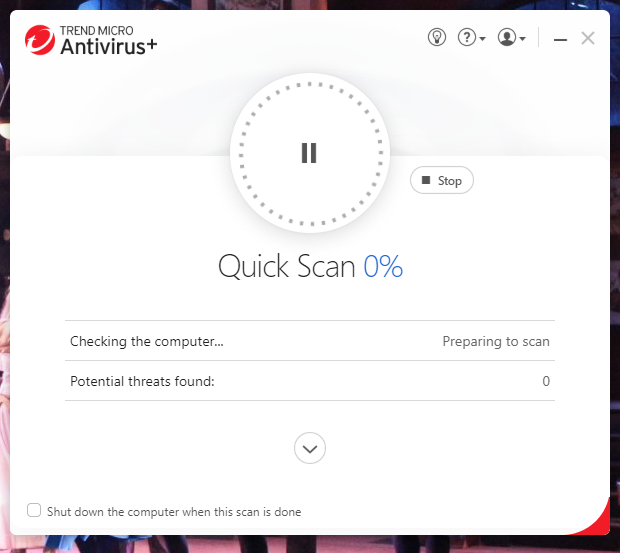
Running a full antivirus scan after deleting potentially compromised Sims 4 script mods.
18+ Mod Website Also Compromised
An 18+ mod-hosting website was also affected during this incident.
If you recently downloaded an 18+ mod and do not use TwistedMexi’s ModGuard, check your system immediately.
Look inside your Sims 4 installation folder for a file named: “out.exe”
(or “out” if file extensions are hidden)
Do not open or run this file.
If you find it:
-
Delete the file
-
Delete recently downloaded 18+ mods
-
Empty your Recycle Bin
-
Run a full virus and malware scan
-
Change your passwords
This malware may attempt to compromise sensitive system data. Even if your computer appears normal, do not assume you are safe without checking.
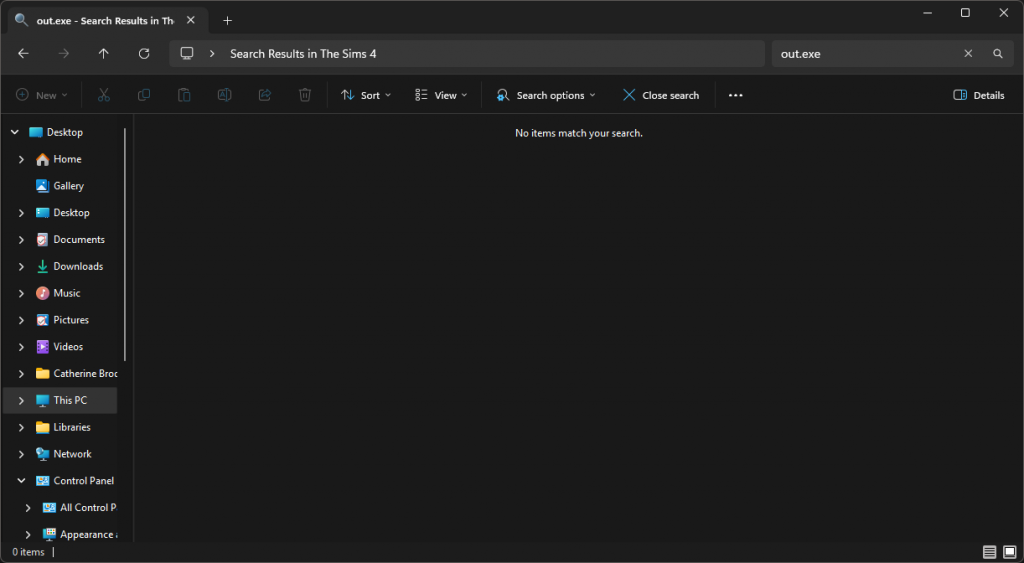
Search results showing no out.exe file detected in The Sims 4 installation folder after checking for malware.
Mod Updates Temporarily Paused
As of March 2, 2026:
-
All known compromised files have been removed
-
Mod update news for files hosted only on Mod the Sims is currently paused
-
Community servers are actively spreading awareness
If you regularly use script mods, now is the time to review your Mods folder carefully. Custom content such as CAS items or presets typically should not contain .ts4script files — that alone is a warning sign.
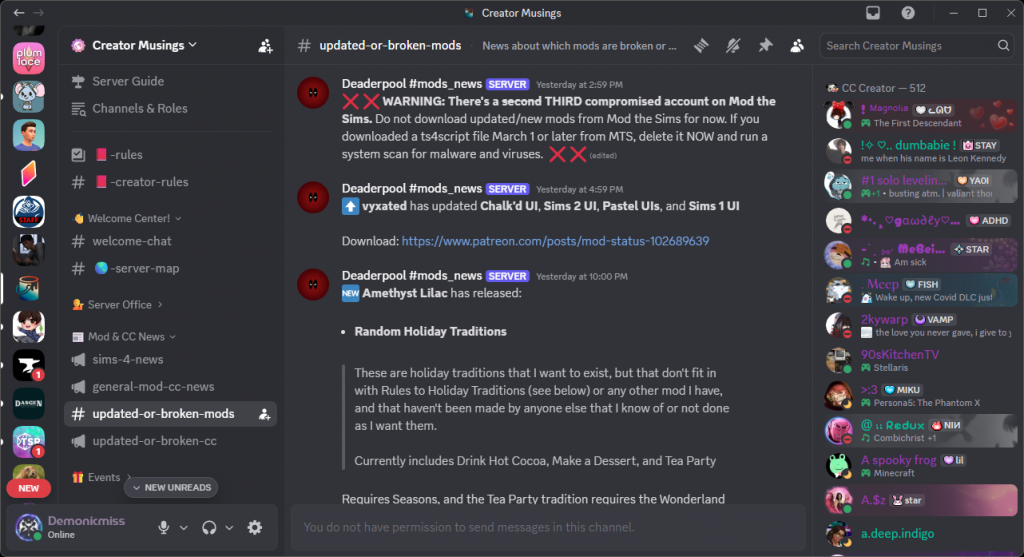
Discord alert warning players to delete recently downloaded ts4script files from Mod the Sims and run a system scan.
For additional protection, you can download TwistedMexi’s ModGuard from his official website or CurseForge. It adds an extra layer of safety against malicious script injections, even though its not perfect.
Stay cautious, double-check your downloads, and run your scans today. It’s better to be thorough than risk your accounts or personal data.
