
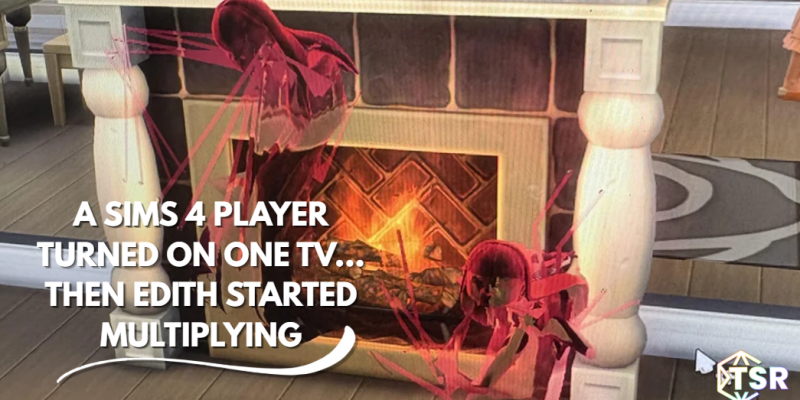
When creating a business in The Sims 4, you don’t expect the oddballs the game throws your way. Whether it’s ghost Sims cluttering up your lot, stinky Sims grossing out your customers, or Sims watching the blasted Static TV channel. Who would have guessed that a simple TV channel could cause so much chaos?
spaghetti2424 found out the hard way how frustrating it is when your Sims decide to watch it every time you open the business. Well, what’s so bad about that channel, you may ask? Oh, nothing, other than the fact that it summons Edith! What’s so bad about Edith? She goes around terrorizing customers, leaving them passed out in a puddle of their own urine! Gross! And when you have multiple TVs playing that station, it’s chaos. Multiple Ediths are hovering around, terrifying your customers. So now, the entire business is terrified and leaving.
How do I get these to stop appearing when my small business is open?
byu/spaghetti2424 inLowSodiumSimmers
Multiple Ediths is never a good time, the best thing to do is just to not own a TV while running a business. Trust me, your Sims will be fine without it. They can get over it. If you’re playing with mods and want to keep the TVs, MCCC by Deaderpool has a fix for you! Open the mod panel, go to MC Tuner, and find the Autonomy Scan option. Once there, click on the TV. You can disable the automatic activation of a specific channel. How helpful for PC players! Sorry, console players! You’re doomed to either have no TVs or have Edith hauntings until EA patches the Static channel. Dag dag!
