
Retreat, rental, or community lots in The Sims 4 are meant to make the game more fun for groups.
When it’s time to eat, the kitchen gets messy because all the Sims try to cook at once.
The main thing is how Sims act when they eat on communal lots.
Sims typically prepare for themselves instead of waiting until meals are planned.
A lot of Sims are trying to cook food at the same time.
All of this means one thing: independence and shared kitchens equal chaos.
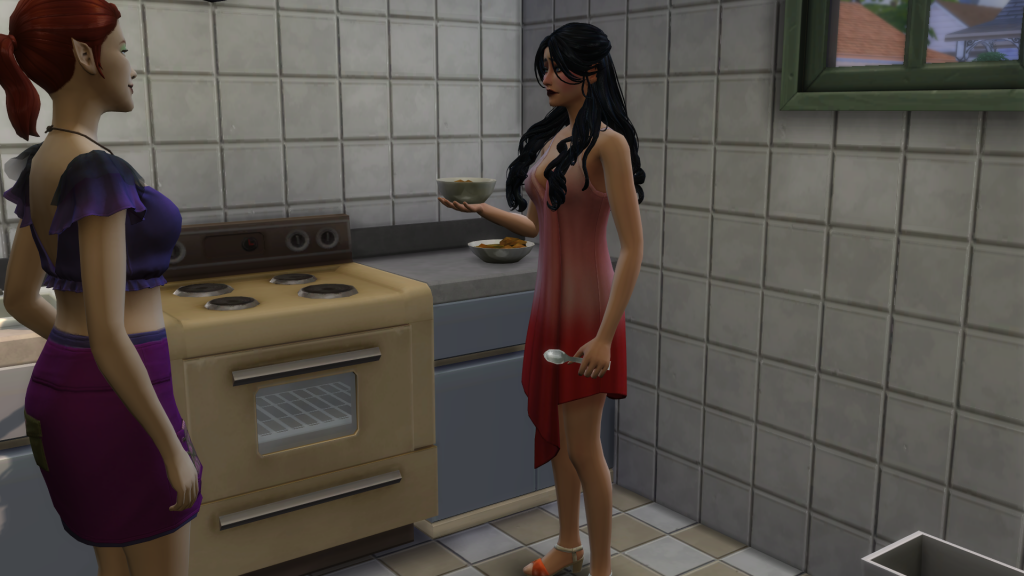
Two Sims crowd a shared kitchen as one attempts to cook while another interrupts, highlighting autonomy conflicts during meal preparation in The Sims 4.31
Why This Happens on Group Lots
Sims cook meals that have nothing to do with each other at any time of day.
For group lots, meal assignments are not working at all.
Players can help out by sharing their experiences with everyone else.
A dedicated forum or EA bug report might help you collect feedback in one spot.
How to stop other sims accessing kitchen?
byu/Additional-Rub8145 inSims4
Workaround #1: Give people permission to lock the kitchen door
Locking the doors to the kitchen can keep Sims from getting in.
The EA Forums say that this door lock setting goes back to normal every time you travel, leave the lot, or quit the game.
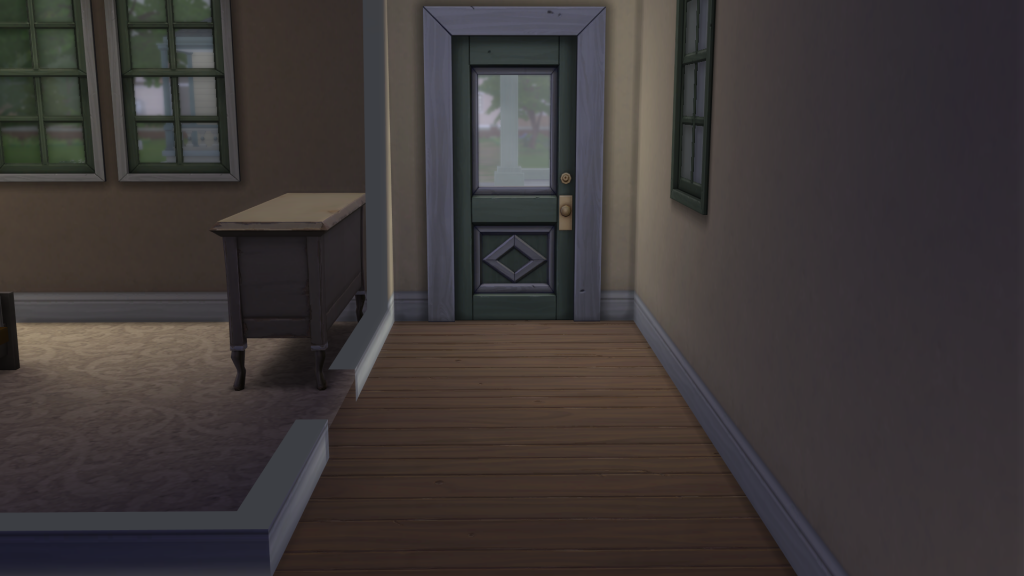
A locked interior door separates living spaces, demonstrating a common workaround for controlling Sim access to kitchens on shared lots in The Sims 4.
How to set it up
Pick the door you wish to use to get to the kitchen.
Choose any Sims you don’t want in the kitchen.
If you have the pack, use a Dine Out kitchen door.
If not, you can use any standard door you choose.
Set the door permissions so that only the Sim(s) you want to can get in.
People who have posted on the EA Forums say that this can keep sims from finishing their meals in the kitchen.
Some players say that Sims don’t follow rules, especially when they’re in a group.
To fix this, you might want to check your door settings again to make sure the right Sims can or can’t get in (Locked doors not working after a Sim departs the lot, n.d.).
Also, try moving things around in the kitchen to make it flow better and give you more space.
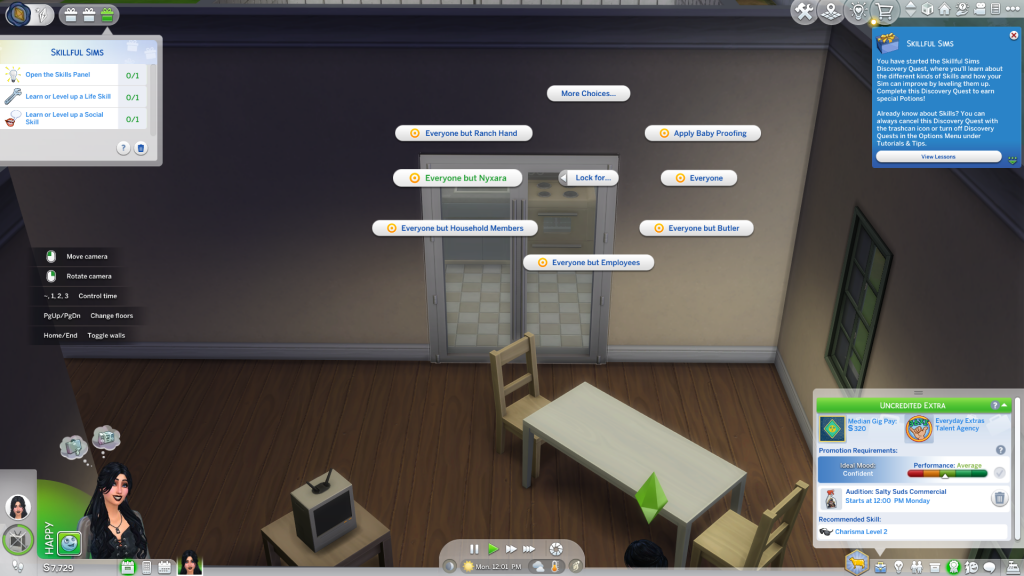
The door lock permissions menu allows players to restrict which Sims can enter a kitchen, helping manage autonomy issues on shared lots in The Sims 4.
Workaround #2: Change how meals work together
(best for players who don’t have Dine Out)
Some players have tried changing how meals are chosen.
Instead of depending on when meals are ready.
Some players have found that using the generic “Eat” action is helpful.
Some players only let one Sim utilize the “Serve Meal” function.
A few participants said that they were able to prepare food at the same time less often.
So, changing how meals interact with each other doesn’t always fix the fundamental problems about autonomy.
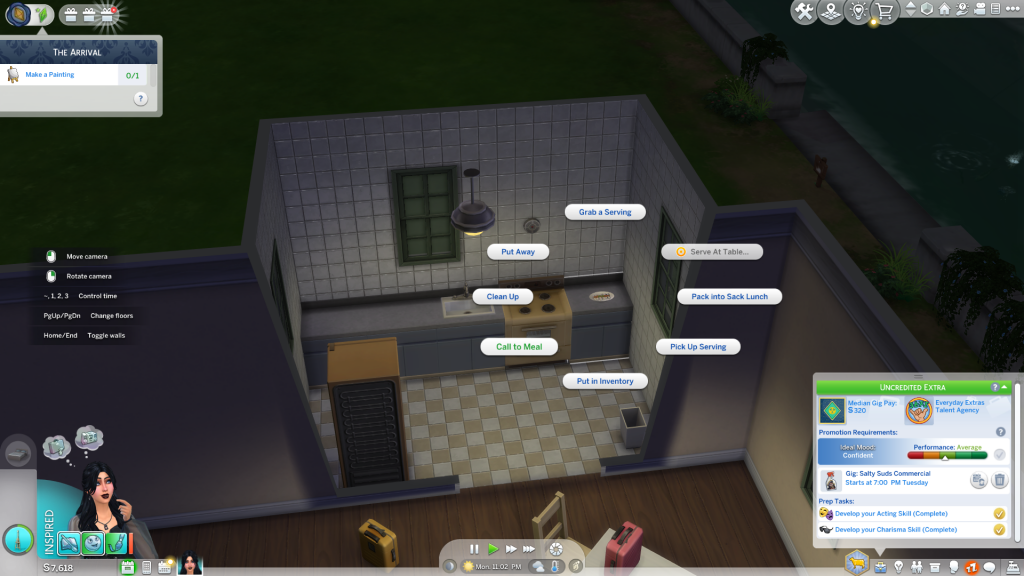
The meal interaction menu displays multiple serving options, illustrating how Sims choose food actions during shared-lot gameplay in The Sims 4.
What to try
Instead, choose the more general “Eat” option.
Give one Sim the job of “Serve Meal.”
This method tries to cut down on autonomy conflicts by getting Sims to eat.
But a lot of people said that this still meant too much food prep.
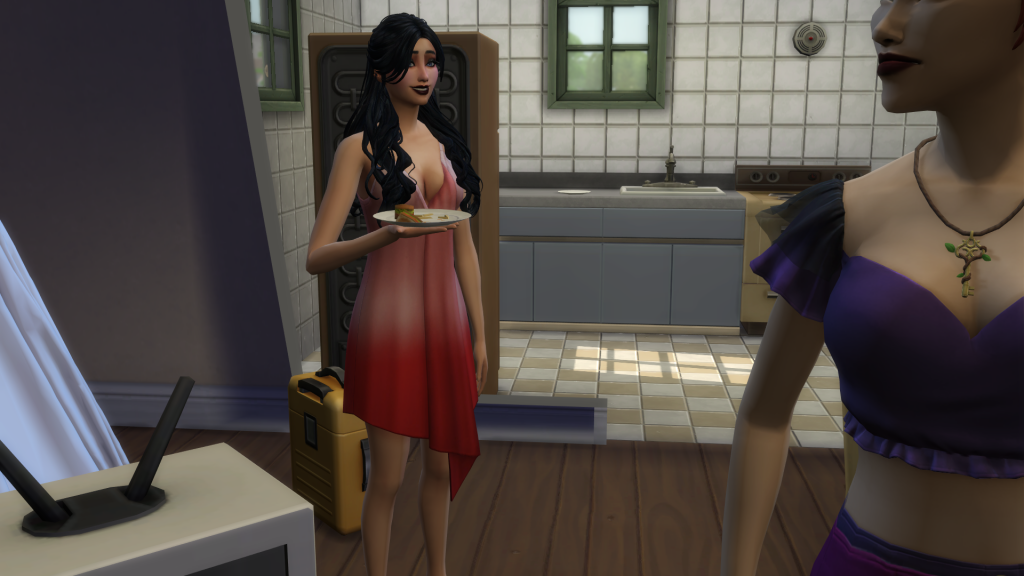
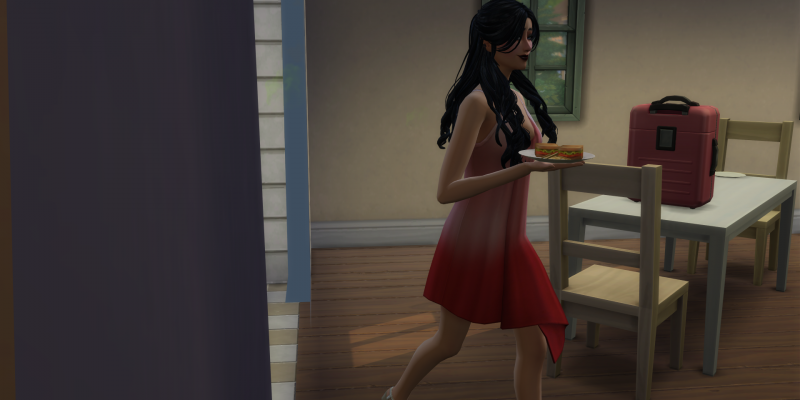
A Sim leaves the kitchen with a prepared meal, illustrating how food is often removed from shared spaces during group gameplay in The Sims 4.
Best setup right now
If you’re in charge of a retreat or shared-lot experience, the most stable setup right now looks like this:
-
One kitchen that is locked
-
One assigned cooking Sim
-
Not scheduled, but served meals.
-
Minimal freedom to enter food prep areas
