
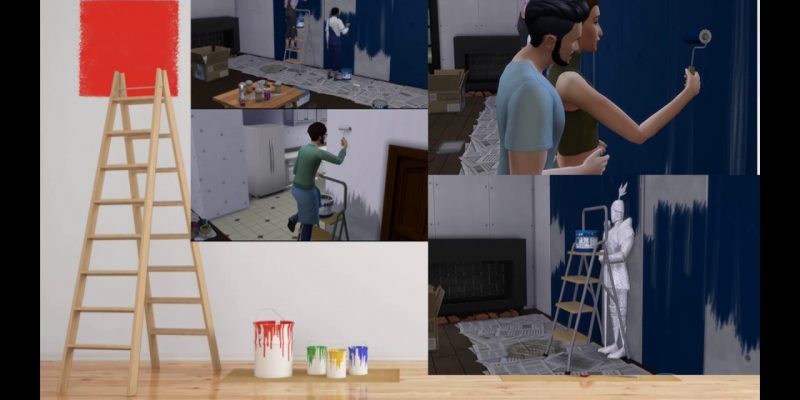
If you’ve spent hundreds—or even thousands—of hours in The Sims 4 Build Mode, you probably assume you’ve seen it all. But every so often, a small shortcut slips through the cracks and quietly changes how you build forever.
One such tip recently resurfaced in the Sims community: holding the Alt key while painting walls only paints the wall you’re currently on, rather than affecting the entire room.
Yes, it sounds like “water is wet” territory—but judging by the reactions, a surprising number of longtime players had no idea.
I just discovered holding Alt while painting a room only paints the wall you're on.
byu/Coffin_Nail inSims4
The Tip That Blew Builders’ Minds
A player shared that after over 4,000 hours in the game, they had just discovered this shortcut. While repainting a room, they realized that holding Alt allowed them to apply wallpaper or paint to a single full wall without changing the rest of the room.
The response was immediate—and validating.
Many commenters admitted they’d been playing since launch and never knew this was possible. Others thanked the original poster for saving them from endless repainting and undoing.
Comment
byu/Coffin_Nail from discussion
inSims4
How Wall Painting Normally Works
By default, wall painting in The Sims 4 follows these rules:
-
Click normally → paints the entire room
-
Single panel mode → paints one wall panel at a time
-
Ctrl + click → paints the entire room or exterior
What’s easy to miss is that none of these options naturally give you one full wall only—unless you know the shortcut.
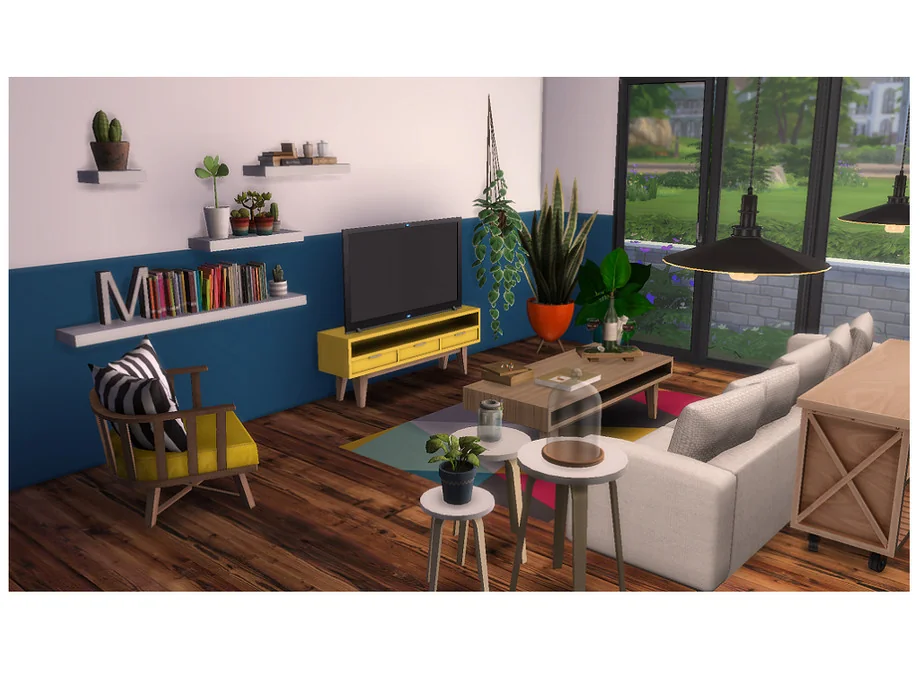
A clean example of using the Alt key in The Sims 4 to paint only one full wall—perfect for accent walls without repainting the entire room.
How to Paint Just One Full Wall
Here’s the simple trick:
-
Enter Build Mode
-
Select any wall paint or wallpaper
-
Hold Alt
-
Click the wall you want to paint
That’s it.
Only the wall you’re facing will change—no spillover, no accidental room-wide repainting.
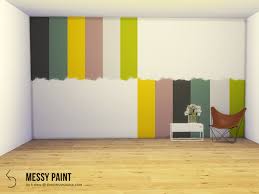
An example of selective wall painting in The Sims 4, showing how applying paint to just one wall allows for accent designs, color testing, or creative half-painted effects.
Why This Is Actually Useful
This shortcut is especially helpful for:
-
Accent walls without repainting the whole room
-
Hallways and narrow spaces, where room selection is awkward
-
Detailed builds using multiple wallpapers
-
Avoiding panel-by-panel painting, which can be tedious
One commenter also noted that this technique appears to work with spandrels, making it even more useful for advanced architectural builds.
Comment
byu/Coffin_Nail from discussion
inSims4
“Didn’t We Already Have This?”
Some players pointed out that you can switch to single-panel wall mode. That’s true—but that option paints individual wall segments, not an entire wall from corner to corner.
The Alt key fills that missing middle ground:
-
Not a single panel
-
Not the whole room
-
Just one full wall
Once you know it, it’s hard to go back.
Comment
byu/Coffin_Nail from discussion
inSims4
A Reminder Worth Sharing
The Sims 4 is full of tiny shortcuts like this—many undocumented, many learned from other players years after launch. Even veteran Simmers forget (or never learn) half of them.
So if you’ve ever thought:
“Surely I already know all the Build Mode tricks…”
This is your reminder that there’s always one more.
And now, one more builder shortcut is officially in your toolkit.
