
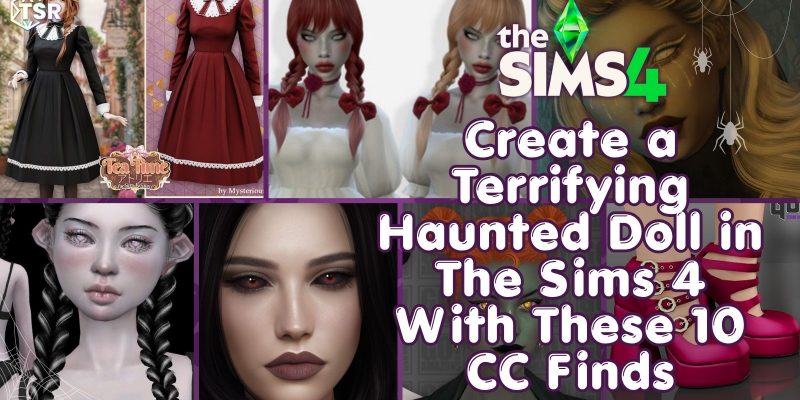
Since it is Simstober and Halloween is quickly approaching, I thought it was a good time to look at some CC you can use for costumes. Specifically, in this CC Find: a Sims 4 Haunted Doll CC Costume. That’s right, we are getting creepy again! And you know what the best part of this is… You can take cute, lovely dresses and pigtails, pair them with scary undead eyes, unnatural skin tones, and smeared makeup, and create something TERRIFYING! So that is the goal today. Let’s go CC Shopping!
If you are looking for more Halloween-themed CC, check out Our Halloween COllection
Sims 4 Haunted Doll CC
As I mentioned before, I think this costume works best with an adorable dress, a cute hairstyle, and classic Mary Jane shoes. Then add the skin overlay, makeup, and eyes… maybe even teeth or a little blood. These details take that traditional porcelain doll look that ‘might’ be Haunted and turn the look into something that DEFINITELY is haunted!
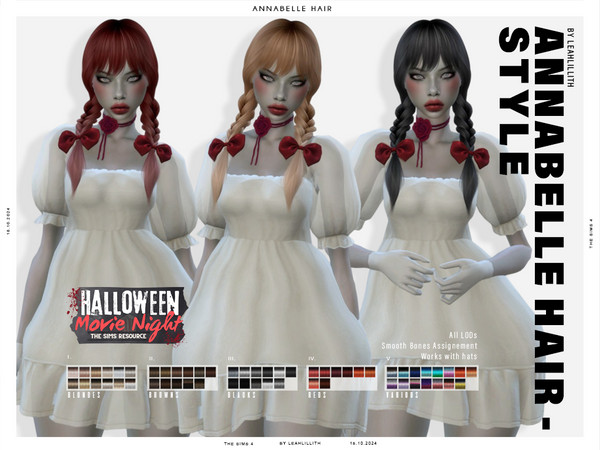
# 1 – Annabelle Hairstyle by LeahLilith
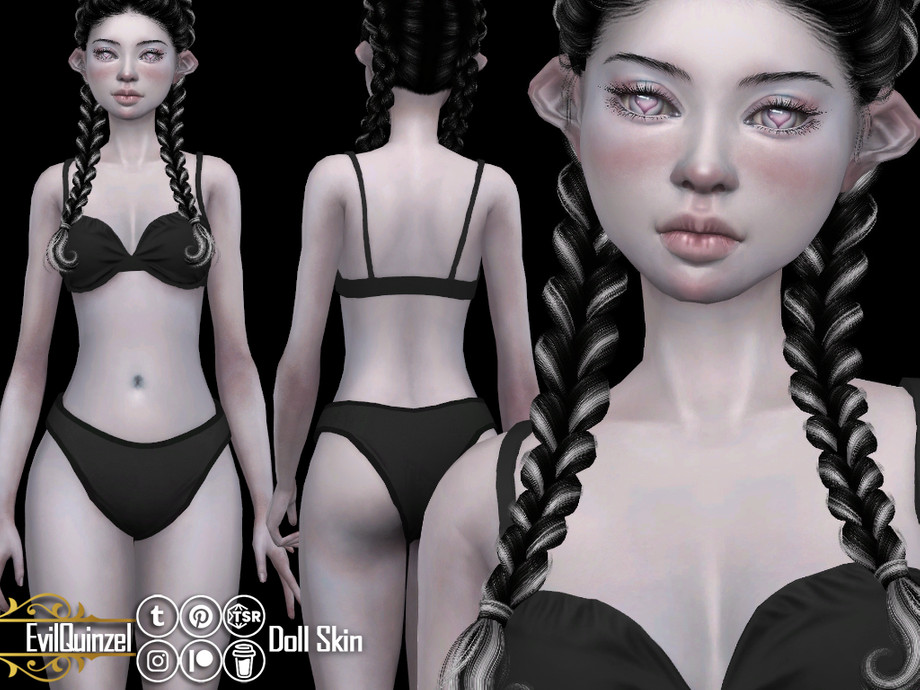
# 2 – Doll Skin by EvilQuinzel
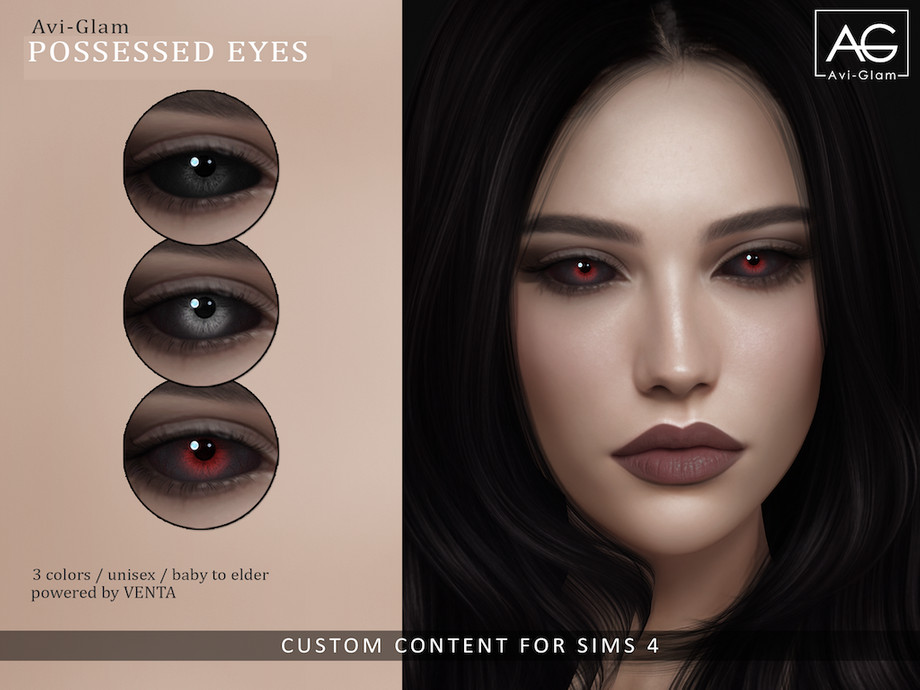
# 3 – Possessed Eyes by Avi-Glam/VentaStudio
Download Now
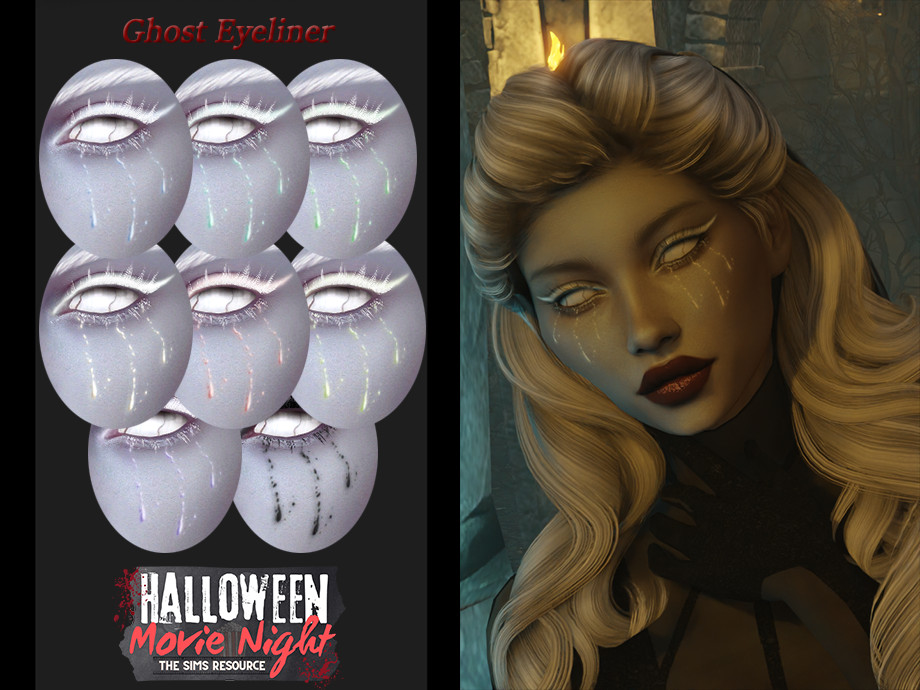
# 4 – Halloween Movie Night: Ghost Eyeliner by Layla
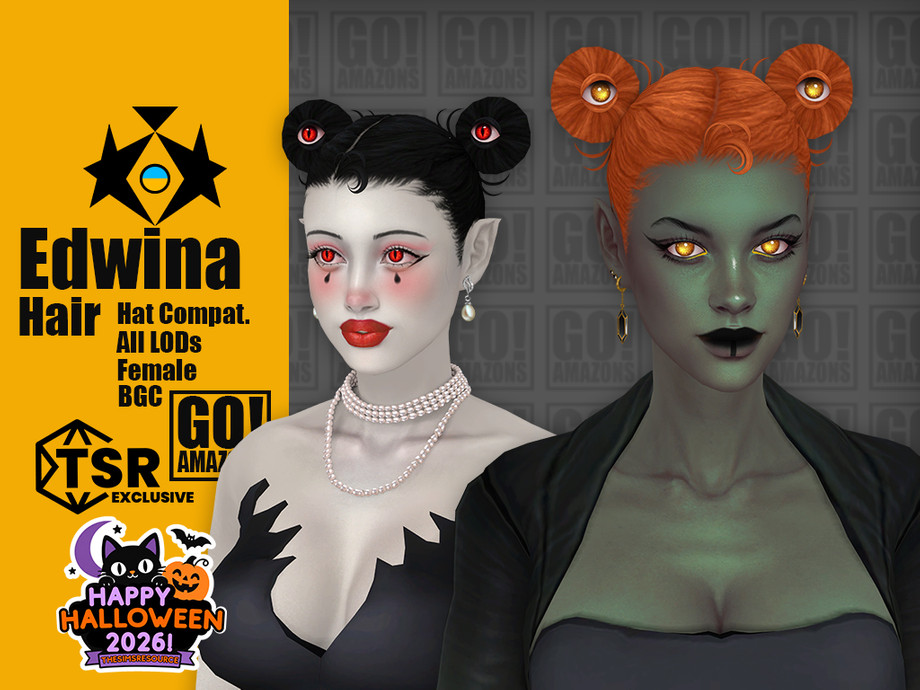
# 5 – Edwina Hair by GoAmazons
Download Now
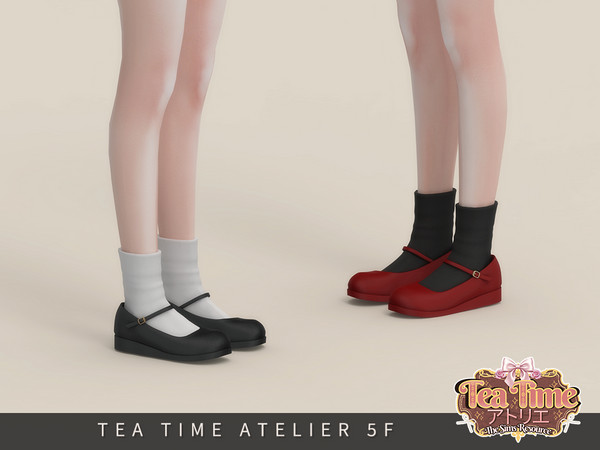
# 6 – Tea Time Atelier: Classic Buckle Mary Jane Female by Arltos
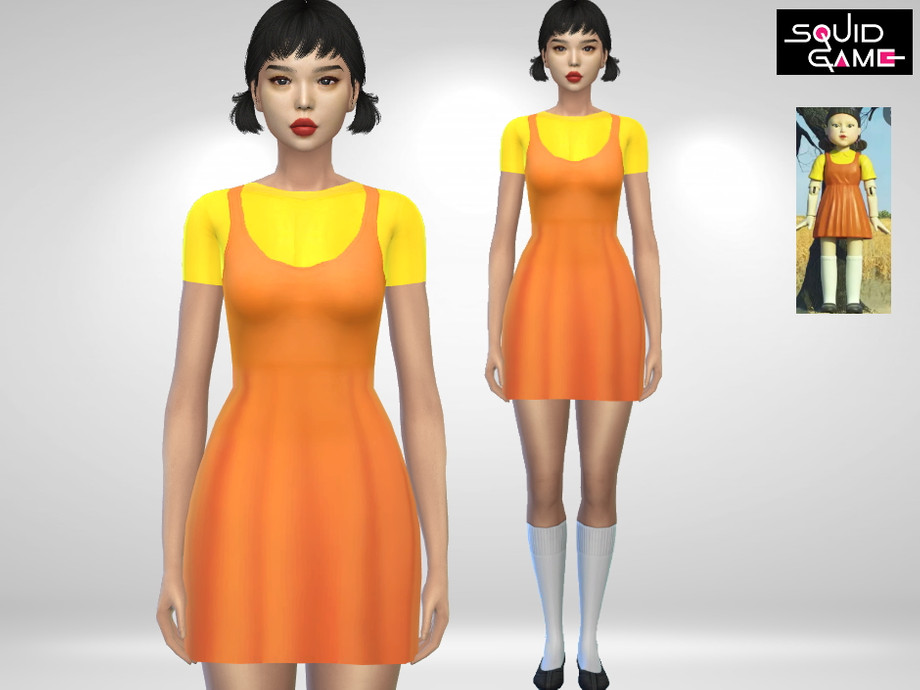
# 7 – Squid Games Doll Dress by PureSims
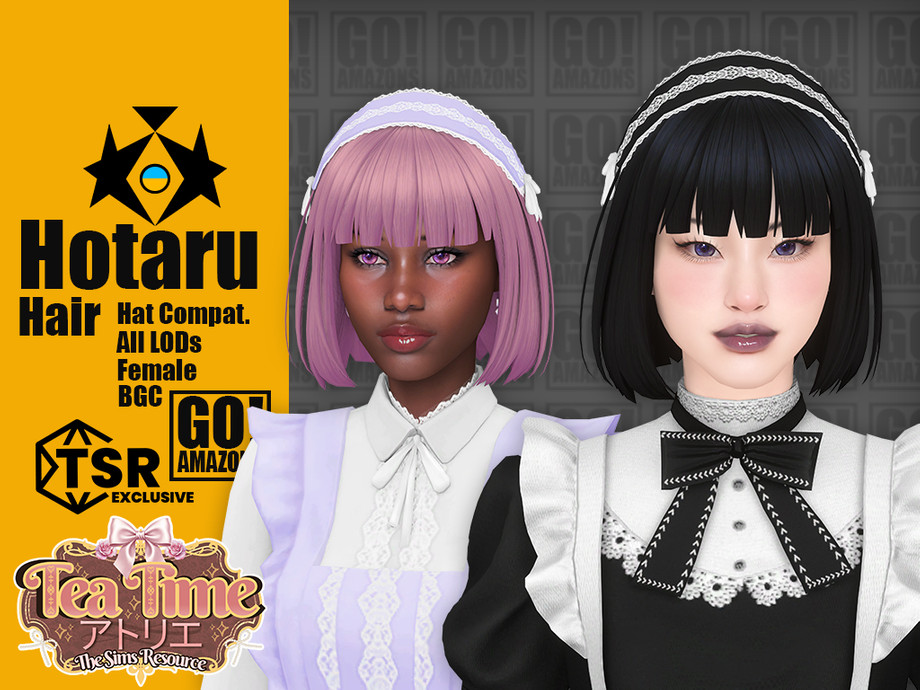
# 8 – Tea Time Atelier: Hotaru Hair by GoAmazons
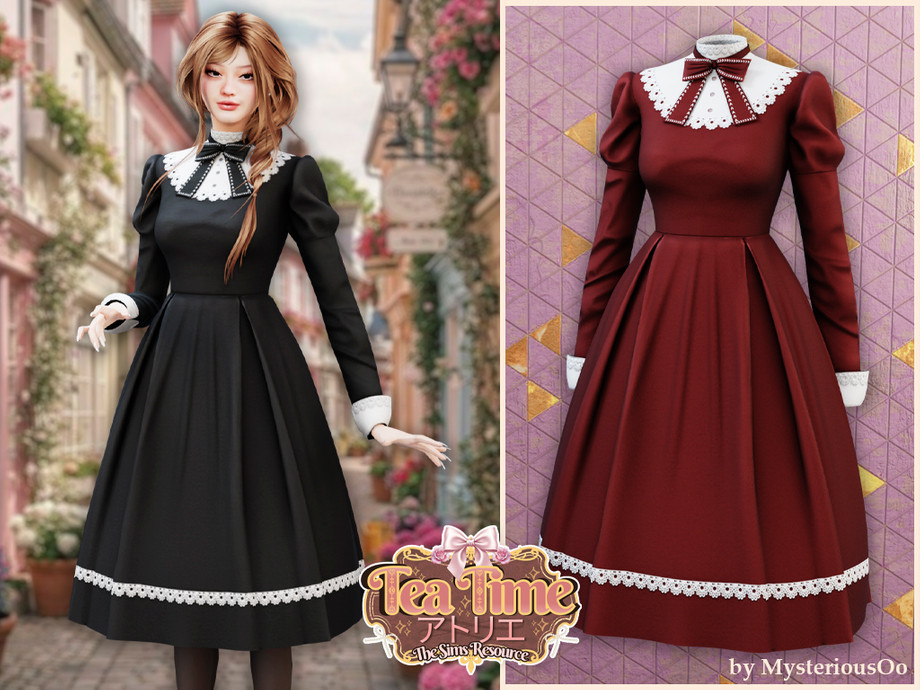
# 9 -Tea Time Atelier: Vintage Sweet Maid Dress by MysteriousOo
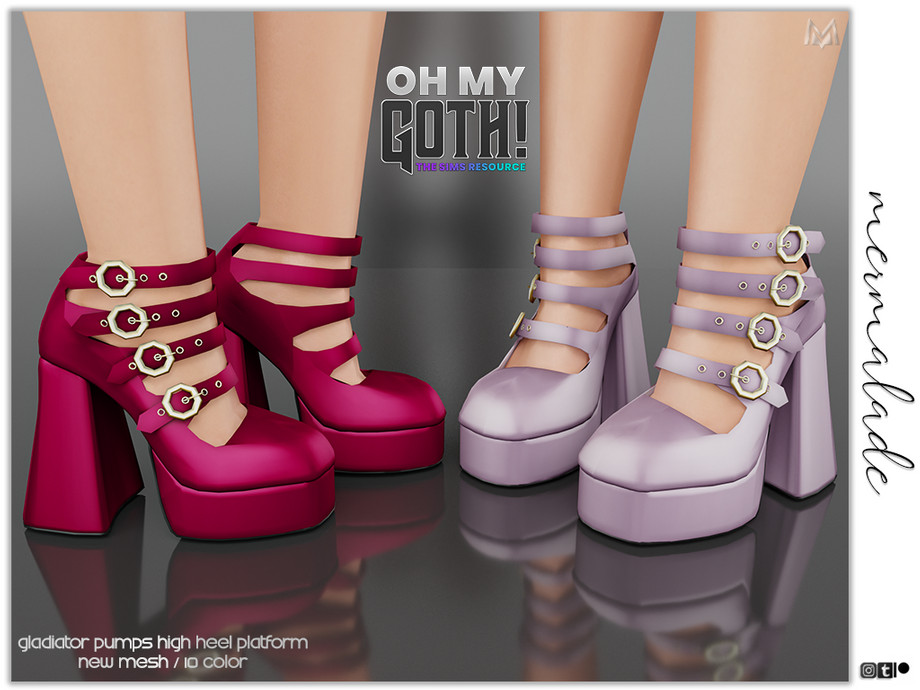
# 10 – Oh My Goth: Gladiator Pumps High Heel Platform by Mermaladesims
If you need help installing CC, PLEASE CHECK OUT OUR VIDEO TUTORIAL ON HOW TO INSTALL CC HERE, OR IF YOU WISH FOR WRITTEN INSTRUCTIONS, we have directions HERE.
I hope you enjoyed this Sims 4 CC Find and now have plenty of CC to create your very own Sims 4 Haunted Doll! Until next time, if you are looking for more CC Finds, check out our DAILY Lookbooks on Pinterest HERE. If you’re looking for a specific type or theme of CC, let us know in our TSR Community Discord! You can find the Link HERE.
*If you create a look with these links or any of my CC Finds, please share in the Screenshots channel of our Discord!
